
How do I get a certificate of ownership for my bank account?
If the account is issued by Devengo, you can download an ownership certificate directly from your Devengo dashboard:
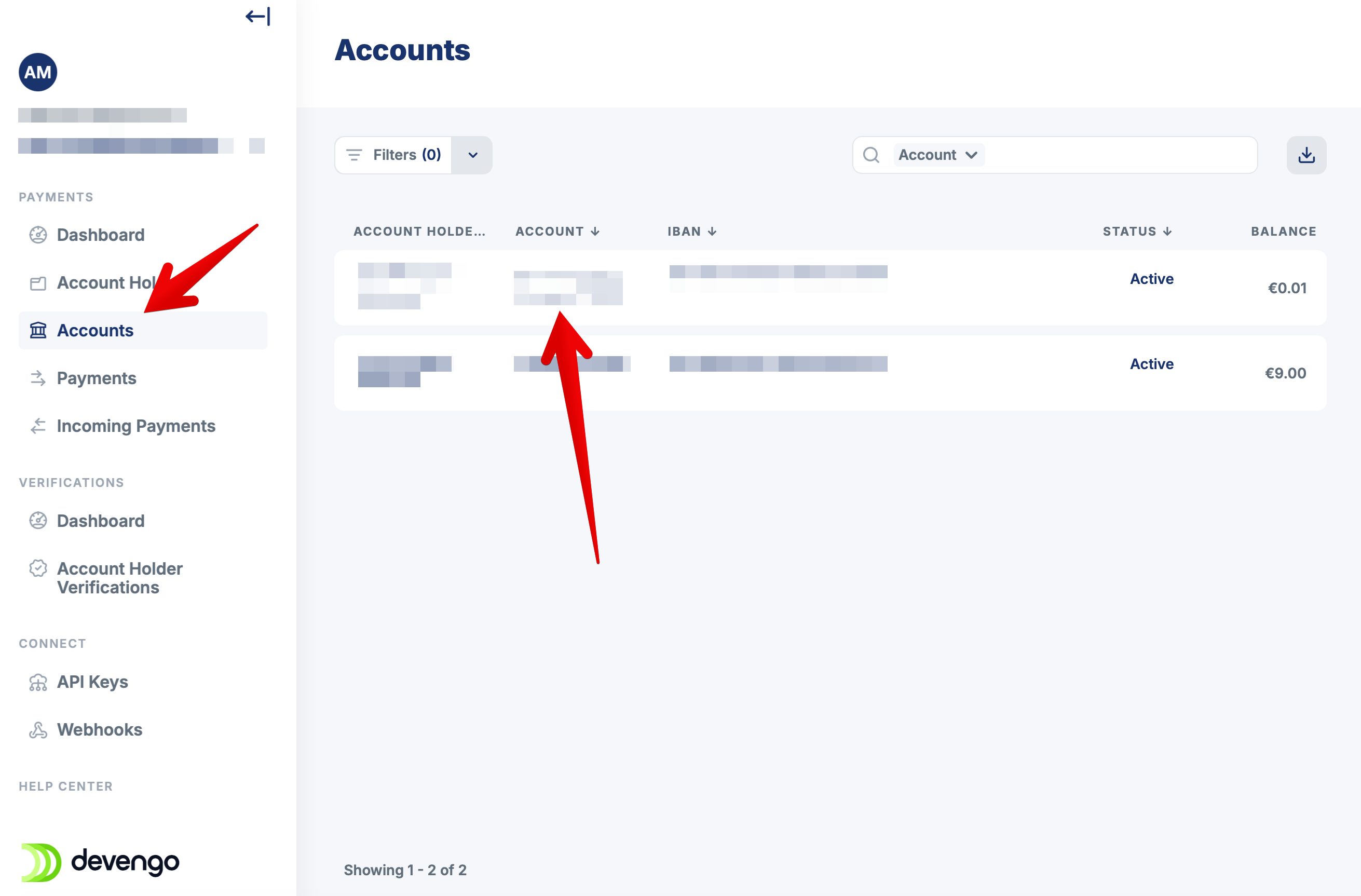
- Go to your bank accounts list
-
Select the account you need the certificate for
- Click the download link in the account details popup

The certificate confirms your ownership of the account and can be used for verification purposes with third parties.
If your account has been issued by one of our banking partners, contact our support team with the ID of the account and we will facilitate it.